Your guide to how we publish
Five Pillars, One Map. A quick guide to what we publish, how posts are organized, and where to begin for the most insight in the least time
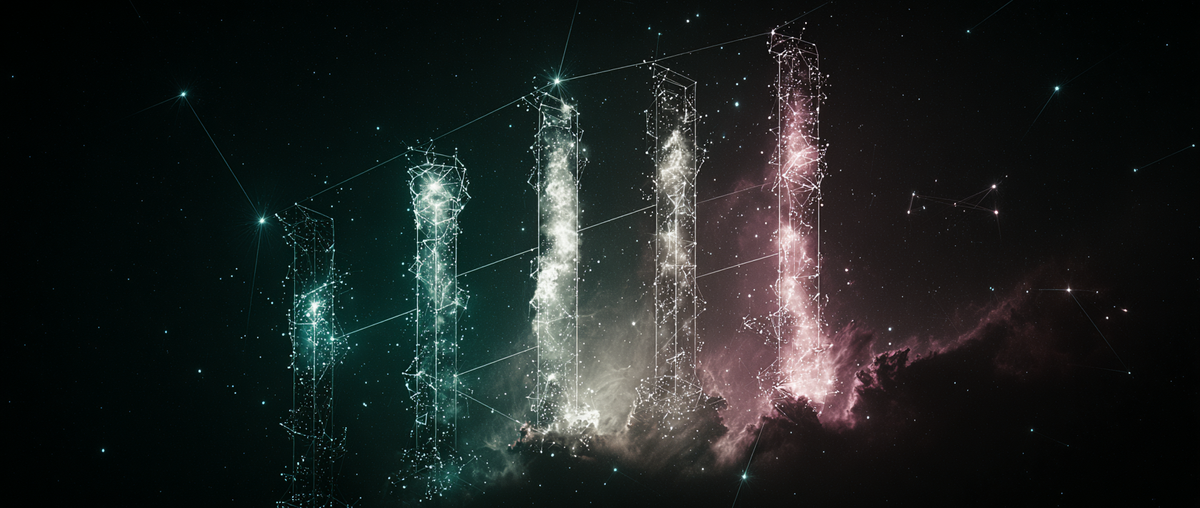
Welcome to The Galactic Mind.
This page is your quick guide to what we publish, how posts are organized, and where to start for the most value in the least time
What we publish
We work inside a small set of repeatable formats so you always know where you are.
- Case File
- Tight investigation of a single event, claim, or incident
- Includes timeline, source table, contradictions map, and a short What If section inside the post
- Dossier
- A living briefing that maps a complex topic, person, or place with sources, timelines, and competing theories
- Ends with a What If section inside the post to test scenarios
- Deep Think
- Long form arguments and thought experiments
- Uses models, diagrams, and opposing views
- May include a What If section to probe edge cases
- Signal Check
- Fast updates on notable news stories and/or cultural chatter
- Clear links to sources
- Speculative
- Short reads from fringe culture and emerging lore
- Labeled clearly with source type and reliability notes
- Our imaginative sandbox
Note: What If is not a pillar. It is a short scenario section that appears inside Case Files, Dossiers, and Deep Thinks.
Labels you will see
- Facts: directly supported by the source list
- Inference: reasoned steps that follow from facts
- Speculation: ideas that need new data or tests
We also use quick status tags such as Tracking, Resolved, and Needs Data.
10 minute path
- Read the About page
- Skim the Latest page for one Case File and one Signal Check
- Subscribe to the Portal Report for weekly context
Tags and navigation
We keep tags simple so browsing is fast.
1) Pick a pillar
Choose how deep you want to go.
Dossier · Signal Check · Deep Dive · Case File · SPEC
2) Use the search bar
Type a topic or phrase to jump straight in.
Try: tic tac, Gobekli Tepe acoustics, "AI consciousness", Skinwalker timeline
3) Follow the tags
Each post has one pillar tag and a few topical tags.
Click any tag to see everything under it.
Examples: ufo-uap, ancient-history, government-docs, paranormal, philosophy
Use the search bar and links to hop across pillars and even within the same theme.
Posting rhythm
- Signal Checks appear as news breaks
- Case Files and Dossiers arrive when research clears our bar
- Deep Thinks publish on a slower cadence with higher depth
- The Portal Report goes out weekly and recaps what moved
Our guardrails
- Curiosity first
- Clarity over heat
- Facts, inference, and speculation are labeled
- Sources and creators are credited
- We update models when new context or information lands
Think Tank for members
The Think Tank is our member area where we post research notes, working models, and method write ups.
Members get
- Behind the scenes posts with sources and diagrams
- Method drops that show how we build each pillar
- Polls and prompts that help choose next topics
- Occasional AMAs or small group calls
- Full archive filters by pillar and tag
How to join
- Go to Subscribe, pick a plan, and you will see the Think Tank feed inside the site
Support the work
- Join the Think Tank to get member posts and help steer research
- Share a post that helped you see a pattern more clearly
- Send tips or primary sources to contact@thegalacticmind.com
For creators
We run a Creator Spotlight to boost smaller voices doing original work.
Pitch us a post or send a thread with sources.
Editor’s picks
- Tic Tac Case File
- Quiet Protocol Theory (Deep Think)
- Project Blue Book Dossier
Stay connected
- TikTok & Instagram: curated daily clips
- X: More daily thoughts
- Youtube: (In Development)
- Newsletter/Email: weekly scan with new posts and news
Optional:
How to add your profile image
On The Galactic Mind, profile photos use Gravatar, which links an image to your email. If you add a Gravatar for the same email you use here, your photo will appear on your profile and in comments.
Quick steps
- Go to gravatar.com and sign in with your email. (Its free)
- Upload a square image and save it
- Choose rating “G” and set it as your default
- Make sure this is the same email you use for your The Galactic Mind account
- Refresh our site. Your photo should appear within a few minutes
Detailed guide
Desktop
- Visit gravatar.com and create an account or sign in
- Click Add a new image
- Upload a clear, square photo at least 400×400 px
- Crop if needed, choose rating “G,” then Set as default
- If you use more than one email, click Manage Gravatars and assign the image to the exact email you used to subscribe on our site
- Return to thegalacticmind.com and refresh the page
Phone
- Open your browser and go to gravatar.com
- Sign in or create an account
- Tap Add a new image, upload, crop, pick rating “G,” and set as default
- Refresh thegalacticmind.com
Tips and troubleshooting
- Not showing up yet? Give it up to 5 minutes and hard refresh your browser
- Still not there? Confirm the email on Gravatar matches your The Galactic Mind login exactly
- Using Apple’s “Hide My Email” or another masked email? Add that masked email to Gravatar and set the same image
- Want to change your picture later? Update it on Gravatar and it will update here automatically
Privacy note
Your email is never shown on our site. Gravatar only matches the image to a hashed form of your email behind the scenes.
If you need help, contact us via the site’s contact page and we’ll get you sorted.
Comments ()